
IPTV player for Android TV, Samsung and LG
One player for every TV in your home
Bring your own Xtream Codes or M3U playlist. Sign in once with a QR code, and your favourites, profiles and Continue Watching follow you from TV to TV.
No card needed. Up to 3 TVs during the trial.
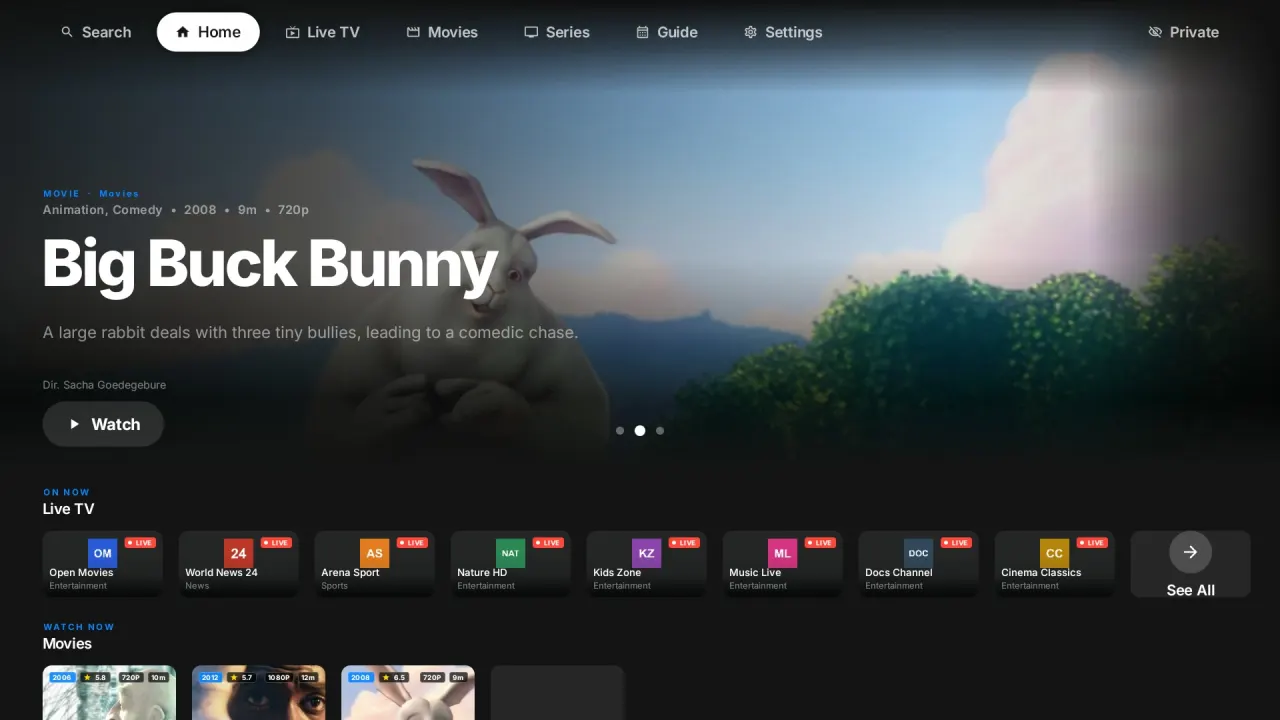
Works on the TV you already have
- Android TV and Google TVGet it on Google Play
- Samsung smart TVsTizen
- LG smart TVswebOS
- Any browserWeb player
Everything you expect from a modern player
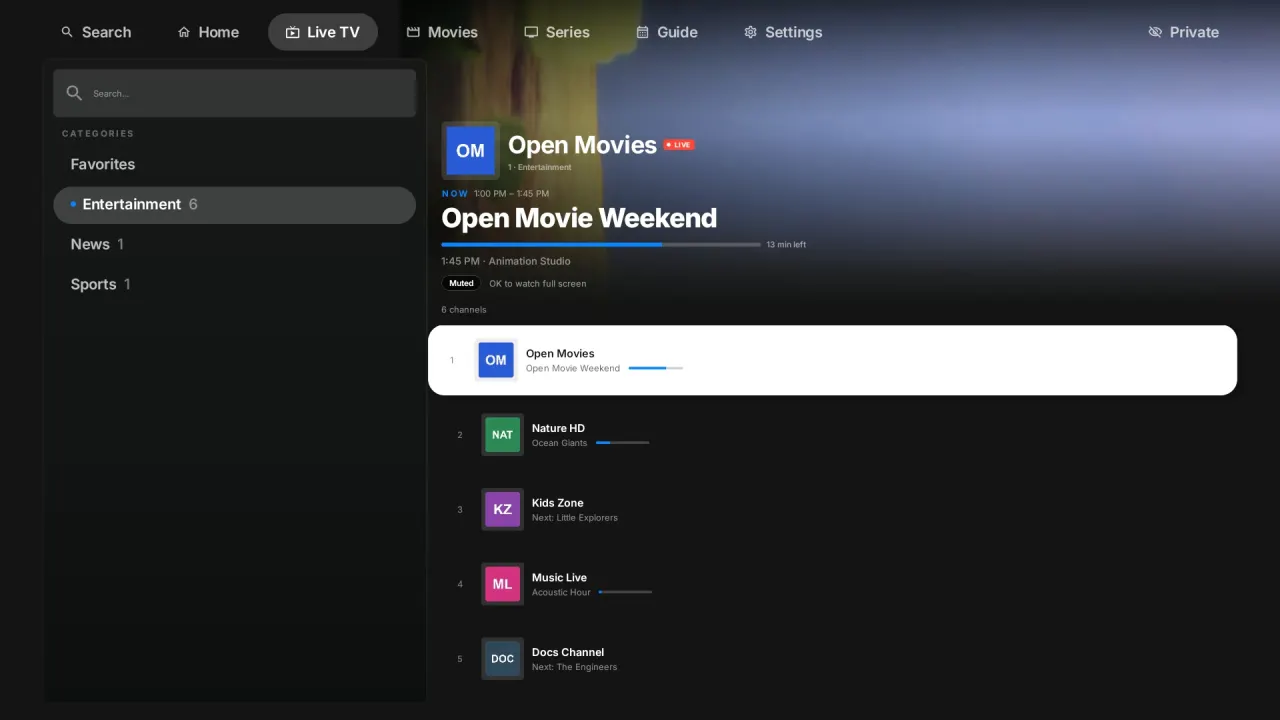
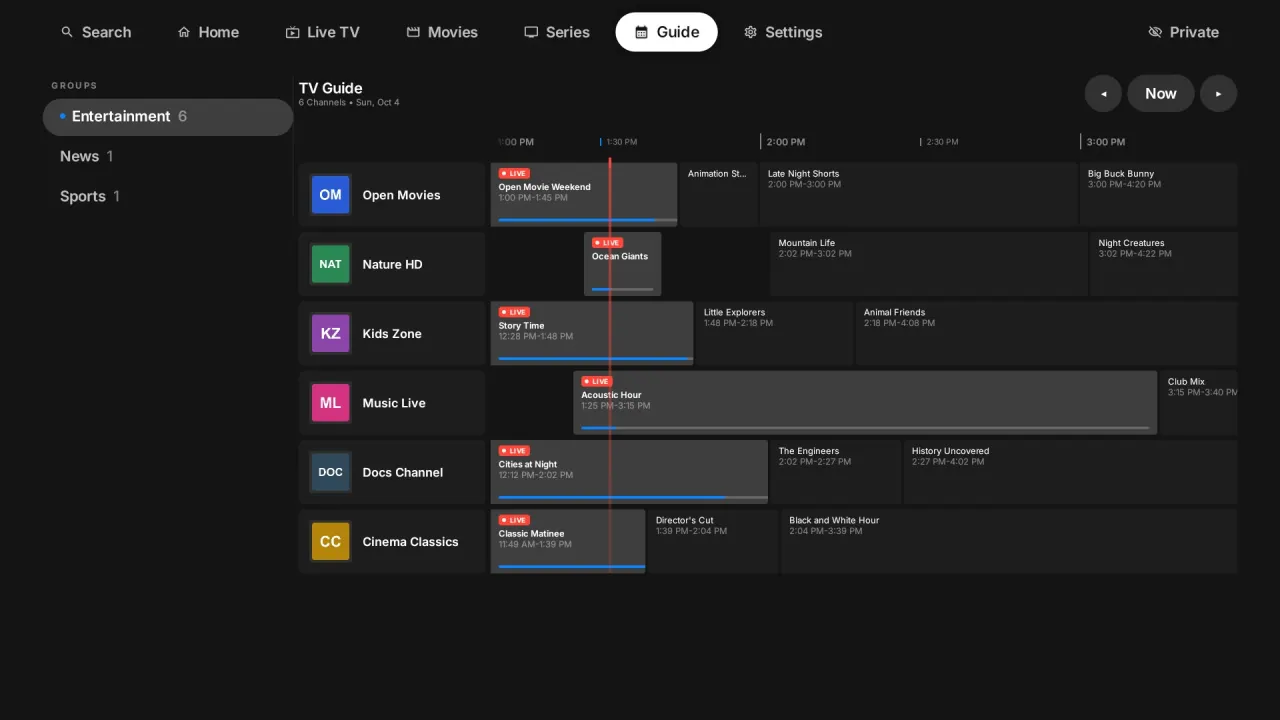
Live TV with a programme guide
Channel list, now and next, and a full guide for Xtream playlists and M3U playlists that include one.
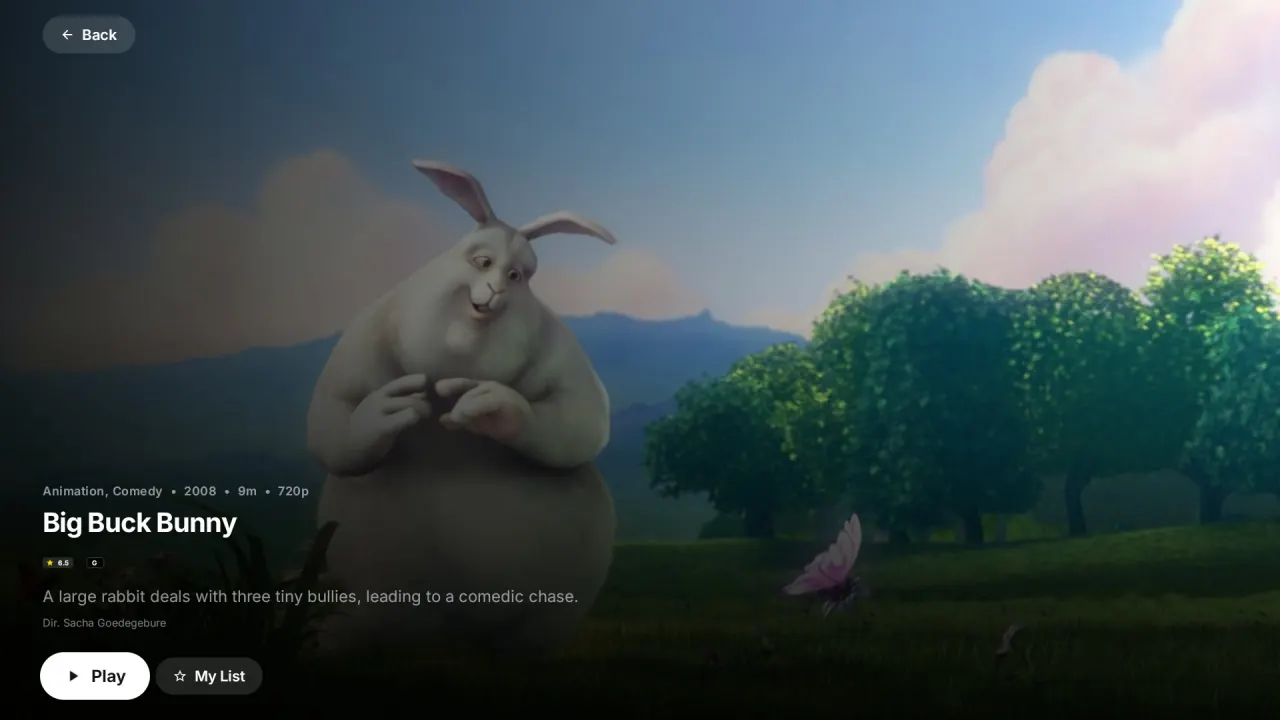
Movies and series
Posters, episode lists, Continue Watching and Up Next for the next episode.
Favourites that follow you
Mark a channel on one TV and find it on the next. Continue Watching is synced across your TVs too.
Up to 5 profiles
Everyone gets their own favourites and history. Lock categories with a parental PIN.
Set up from your phone
Add or change playlists at babaplayer.com instead of typing long addresses with a remote.
No MAC activation
Your TV links to your account with a QR code. No device keys and no fee per TV.
Up and running in three steps
Install babaplayer on your TV
From Google Play, or from the app store on your Samsung or LG TV.
Scan the QR code
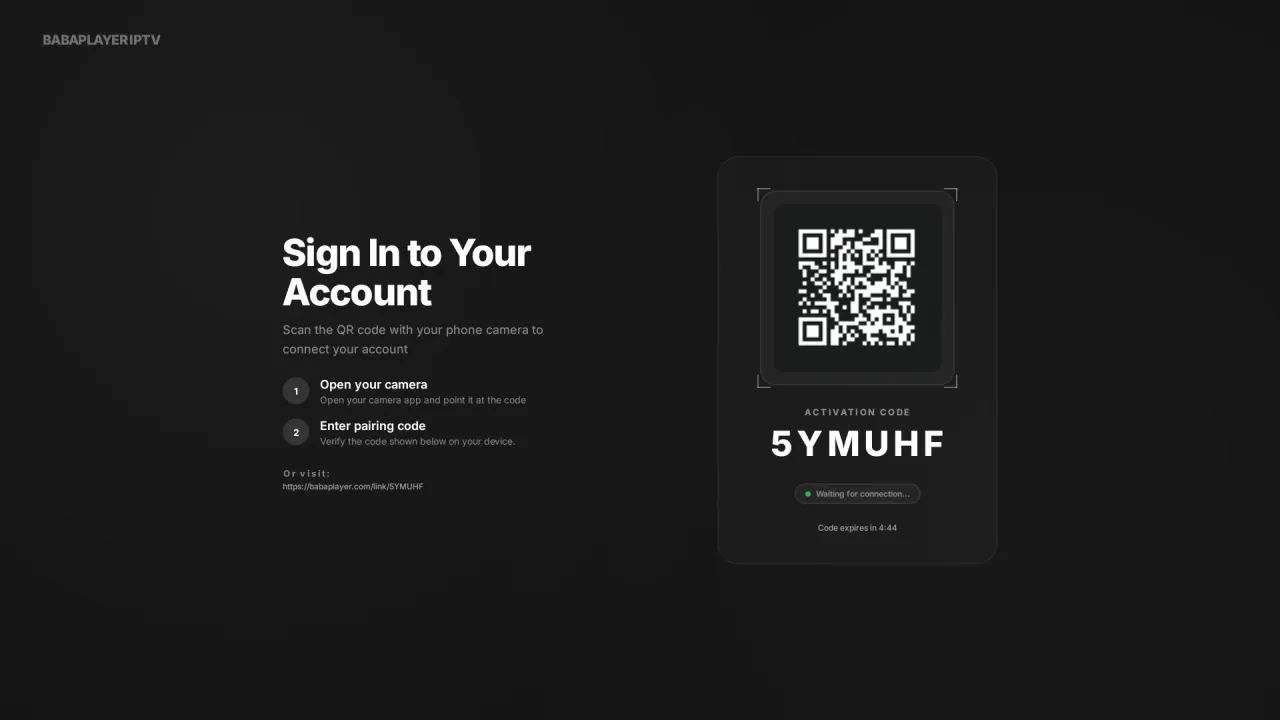
Your TV shows a code. Scan it with your phone to create your account and link the TV.
Add your playlist
Paste your Xtream login or M3U link on your phone. The TV loads your channels.
One simple price
Free trial
14 days free
On up to 3 TVs. No card needed.
babaplayer Premium
€7.25 per year
Incl. VAT. Up to 10 TVs on one account. Cancel any time.
Questions
Does babaplayer include channels?
No. babaplayer is a media player. You need your own playlist from a provider you are licensed to use. We do not sell, include or recommend any channels or content.
Which playlists work?
Xtream Codes logins (server, username and password) and M3U or M3U8 links. HLS and MPEG-TS streams play directly.
Do I need a MAC address or a device key?
No. Your TV links to your account with a QR code, so you never type a MAC address or pay to activate a device.
How many TVs can I use?
Up to 3 during the free trial and up to 10 with a subscription, all on one account. Your favourites and history follow you between them.
What happens after the trial?
The app asks you to subscribe. Nothing is charged automatically, because the trial never asked for a card.
Can I cancel?
Yes, any time from your account at babaplayer.com. You keep access until the end of the year you paid for.
What if an app store removes babaplayer?
Your account does not live in an app store. Your playlists, favourites and profiles stay on your account, and the web player at player.babaplayer.com keeps working in any browser. If you can no longer watch on your TV, write to us and we will look at a refund for the time you paid for but cannot use.